Desktop Computer Moving in Jeddah
A desktop computer is electronics that dislike knocks and heat. Here is how to prepare it before the crew arrive, how we wrap and load the tower and monitor in Jeddah, where the limits of the service lie, and what shapes the written quote.
Careful wrapping and loading · written quote once we know the details
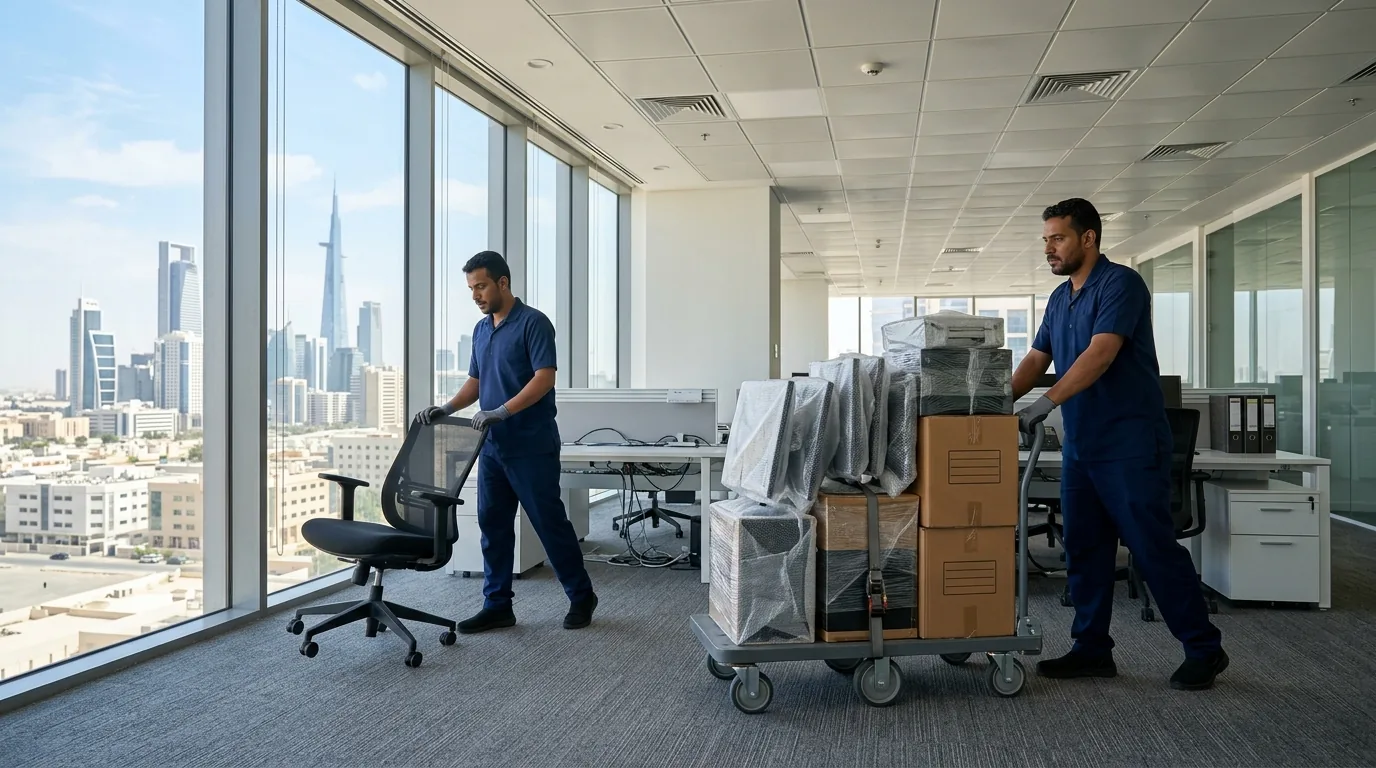
Why a desktop computer needs different handling from other furniture
A timber wardrobe can take a little rubbing. A desktop computer is a stack of delicate parts: a storage drive, a motherboard, a heavy graphics card hanging inside the case, cooling fans and a power supply. One hard knock may leave no mark on the outside and still disturb something within. In Jeddah, heat and humidity add another variable, because a machine left in a closed truck body under the sun faces far hotter air than it was designed for.
So we treat the machine as a delicate item, not as a heavy box: orderly disconnection, suitable outer protection and a safe position in the truck. This page covers desktop equipment (tower, monitor and accessories) in a home or a small office. If you are relocating a whole company, read office moving in Jeddah as well.
Back up first: before anything is touched
The most valuable thing on your computer is not the computer but your data. Before you touch a cable:
- Copy important files to an external drive or a cloud service you trust.
- Confirm the copy worked by opening a few files from the backup.
- Keep any passwords you need somewhere safe, away from the boxes.
- Note down licence keys or activation codes for paid software.
- Shut the machine down fully from the system menu, not just the power button.
The backup is your responsibility. We move the equipment; we do not handle its contents and we do not promise data safety.
Photograph the connections and label the cables
What annoys people most after a move is remembering which cable goes in which socket. The fix takes minutes:
- Photograph the back of the tower, the monitor and the accessories with everything plugged in.
- Put a number on a strip of masking tape on each cable and the same number beside its port.
- Bag each group of cables separately and label the bag (monitor, power, network, accessories).
- Keep short cables and adapters in one small box that travels with the machine.
- Take a picture of your display settings if you use more than one screen.
These steps prevent confusion and let you set everything up again in minutes.
Disconnecting in the right order
The order of disconnection protects the ports and cables:
- Shut down, unplug from the wall, and wait a few minutes for components to cool.
- Unplug peripherals: printer, external drives, desk speakers.
- Unplug the keyboard and mouse.
- Remove the monitor cables, signal first and then power.
- Remove the network cable.
- Remove the power cable from the back of the tower last.
Keep the power strip in a box with its leads, and take the removable batteries out of wireless mice and keyboards.
Send the number of machines and monitors with photos on WhatsApp 0566300558.
Packing the tower: the original box and its substitutes
The best packaging for a tower is its original box with the foam inserts. If you do not have it:
- Put the tower in a larger box with several centimetres of space on every side.
- Fill the gaps with bubble film, loose paper or foam, without squeezing hard.
- If the side panel is glass, protect it with card and do not stick tape directly onto it.
- Mark the box "Fragile, this side up" and keep the tower upright, as it works.
- Never stack heavy boxes on it.
If your machine has liquid cooling or particularly heavy components, tell us beforehand so we can plan extra support.
The graphics card and other heavy parts inside the case
Heavy cards can tilt inside the case with vibration and put strain on the slot. The usual precaution:
- If you are experienced, open the case and brace the card or remove it and keep it in its box.
- If you are not used to it, do not open the machine; ask a computer technician.
- Add padding inside the case between the card and the wall where the design allows.
- Mark the box "Contains a heavy graphics card".
We do not open machines or interfere with their internal parts. We move them as handed over, after you have prepared them.
Monitors: the parts most prone to scratching and cracking
A slim desktop monitor is weaker than it looks, and its panel suffers from pressure on the face. To pack:
- Remove the stand if it detaches and bag the screws.
- Lay soft paper or thin foam on the face and avoid pressing it with your fingers.
- Use the original box if you have it, or a box of the right size with padding at the sides.
- Carry it upright on its long edge.
- Put nothing on top.
Large or curved screens are hard to move safely without their box, so tell us the size. See also packing OLED smart TVs, because many of those steps apply to monitors too.
Printers, external drives and small accessories
Small accessories are easily lost or damaged:
- Printer: remove the ink or toner cartridges, close the covers and tape the trays shut with low-tack tape.
- External drives: these hold data, so carry them yourself if you can, or put them in a padded case.
- Router and modem: keep the power adapter with the device.
- Speakers: wrap in bubble film and separate the base from the satellites.
- Camera and microphone: in their own boxes.
External drives and sensitive data are best carried with you in a bag rather than in a box in the truck.
Jeddah heat and humidity: what they mean for electronics
Electronics dislike sharp changes in temperature. In Jeddah the contrast between an air-conditioned room and a closed truck at midday can be large:
- Heat: avoid leaving equipment in a sealed truck body in the sun for long periods. We pick cooler hours and, where possible, load electronics last and unload them first.
- Condensation: water can form on surfaces when moving from a cool room into hot air. Do not switch the machine on the moment it arrives; leave it in the room for an hour or more to settle.
- Dust: it gets in through the vents, so blow out the machine yourself before wrapping if you know how.
- High humidity: it weakens cardboard and so its protection, so keep boxes somewhere dry until the move.
These precautions do not guarantee the safety of a machine, but they reduce known risks.
Loading the truck: where the equipment goes and how it is secured
The position in the truck decides how much vibration a machine takes:
- Electronics go after the heavy pieces and before the very light ones, in the middle of the load rather than by the doors.
- They sit on a flat surface covered with a blanket and are strapped down or boxed in by light cartons.
- Nothing heavy goes on top, and monitors stay upright.
- They are kept away from metal shelving and sharp edges.
- They are unloaded at a point where they can go straight to the intended room.
To work out the right vehicle for your load, see choosing a Dyna capacity.
A small office with several machines? Tell us how many and which floor.
Towers, flats and small offices: how the route changes
| Situation | What to watch |
|---|---|
| --- | --- |
| Residential tower with a lift | Booking the lift and clearing the corridor before moving monitors |
| Walk-up block with narrow stairs | Carrying monitors and towers by hand, one at a time |
| Villa | The long distance from the desk to the door and floor protection |
| Small office | Several machines, so boxes need staff names |
| Shop | Opening hours and loading after closing time |
If you have many machines, write the office number or the owner's name on every box.
Setting up and switching on after arrival
Do not rush to power up:
- Place the machine where it will live and leave it for an hour to match the room temperature.
- Open the boxes and look for dents or cracks on the outside.
- Reconnect the cables using your photos and numbers.
- Check that the wall socket and power strip are sound.
- Switch on and wait for it to finish starting.
- Open a few of your files and check the screen, sound and network.
If you see something wrong, note it at once with a photo and report it in writing. See what to do if furniture seems missing after a move for a way of documenting issues.
Home office furniture: the desk, chair and shelving
A computer usually comes with a desk, a chair and a small bookcase, handled by the normal furniture rules:
- The computer desk: drawers come out, glass parts are removed and the corners are wrapped.
- The chair: the base is detached if it separates, and the casters are wrapped.
- The cabinet and bookcase: emptied, with shelves wrapped.
- An adjustable desk: its height is noted and locked.
For general dismantling see furniture dismantling and assembly in Jeddah. For a timber home-office bedroom set, there is wooden bedroom moving.
What we do, what we do not, and what you do
To be clear about the limits of the service:
- We do: move prepared equipment, wrap the outside suitably, load, unload and secure it in the truck, and place it in the room you choose.
- We do not: back up data, repair faults, open machines, configure networks or connect the internet.
- You do: the backup, the photographs of cables, disconnecting peripherals and configuring the network in the new place.
If you want a technician to set up the network or printer, arrange that separately.
Gaming and custom-built PCs
Some machines are built by hand with large parts: extra fans, liquid cooling, lighting and a wide glass case. These need more care because their components are heavy and mounted in different ways. Tell us the case type and whether there is liquid cooling before the appointment. For expensive machines it is wise for a computer technician to secure the internal parts before the move and recheck them on arrival.
We handle the move, the outer wrapping and the loading, and we treat the machine as a fragile item throughout.
Power strips and UPS units
Many home offices have a power strip and a UPS to guard against power cuts. A UPS contains a battery of noticeable weight, so it is unplugged from the computer and kept low in the truck, not stacked with light devices. Power strip leads are coiled and bagged with the machine they belong to. Check that the new room has a suitable socket before the desk is set up.
Photos that help us plan the packing
Send three photos before the appointment: a general view of the desk, the back of the tower with the cables, and the front of the monitor with its size written on it. If you have an original box, photograph it too. With these we can tell whether extra materials are needed, whether the desk moves dismantled or whole, and whether it fits through the door. For more on photography, read how to photograph furniture for a moving quote.
Ask for a written quote for moving your equipment.
One machine or many: when the approach changes
One computer with one screen can ride along with a room move without special planning. Several machines in a small office need a plan: a list of devices, the names of their owners, numbered boxes and an unloading order so each department's equipment arrives together. If the move happens during working hours, load the machines that will be needed first at the new place last, so they come off first.
Choosing the time: Fridays, evenings and working hours
Friday suits families because it is a day off, but it can suit offices less if you need technical support after set-up. The evening after Asr is cooler, though some towers and compounds set moving hours. For small offices, a weekend move often lets staff find their machines ready. Mention these points in your request so that the agreed appointment is realistic.
An example: a remote worker's home office
A flat on the fifth floor of a tower, a desk with a tower PC, two monitors, a printer and a router. The customer disconnects everything, photographs the ports, numbers the cables and keeps the external drive on them. The crew wrap the two monitors in their own boxes, carry the tower upright, box the printer, and book the lift in advance.
On arrival everything goes on the new desk and the customer waits an hour before switching on. If there is any mark on a screen or a case, the customer photographs it and reports it in writing at handover so it can be traced. Moving becomes a series of small, achievable steps.
What shapes the quote (no figures)
We build the written quote after we know the details. The factors:
- The number of machines and monitors and their sizes.
- Whether the original boxes exist or packing materials are needed.
- The floor, lift availability and stair width.
- The distance between the two addresses and the working hour.
- Accompanying furniture (desk, chair, cabinet) and whether it needs dismantling.
- Whether this is a home or a small office with several staff.
- Whether boxes must be labelled by name or department.
For more on how a quote is built see our guide to written moving quotes.
Common mistakes when moving a desktop computer
- Carrying the tower on its side with a heavy card inside.
- Wrapping a monitor without a box and putting tape on the face.
- Forgetting the backup.
- Leaving machines in a closed vehicle in the sun.
- Switching on the moment it arrives from the heat.
- Losing small cables and not photographing the connections.
- Putting books or heavy objects on top of the boxes.
- Moving portable hard drives unprotected.
Your checklist before moving day
- Back up your files and test the copy.
- Shut down, unplug and photograph the connections.
- Number the cables and bag them.
- Prepare the original device boxes or ask for packing materials.
- Remove cartridges and removable batteries.
- Park monitors safely away from corridors.
- Take sensitive external drives with you.
- Decide where the desk goes in the new place and check there is a socket.
- Ask for the written quote early.
Summary: back up the data, then move the machine with care
A desktop move in Jeddah goes well when you prepare before the crew arrives: backup, photographs of connections, numbered cables and suitable boxes. The crew handle outer wrapping, careful loading and unloading in the right place. Ask for a written quote early and send photos of the machine, the desk and the entrance.
Contact Al Ostoura Moving by WhatsApp or phone, and we will reply once we know the details.
Questions about moving desktop computers
Yes. We move the tower, monitor and accessories once you have prepared them and unplugged the cables. We wrap the outside and load in a sensible order. Original boxes are best where you have them.
No. Backing up is the owner's job; we move the equipment and do not handle what is on it. Copy your files and test the copy before the appointment.
No. We do not open machines or configure networks. We place the equipment where you say, and you or a computer technician can connect it.
They can: high heat and condensation are both risks. We avoid leaving machines in a sealed truck in the sun, and we advise leaving them an hour or more to settle before switching on.
It may tilt inside the case with vibration. If you are experienced, brace or remove it; otherwise ask a technician. Tell us it is there so we can plan suitable positioning.
It is preferable. If you do not have it we use substitute boxes and padding. Tell us the monitor and tower sizes so we can estimate the materials.
Yes, provided you send the number of machines, monitors and the position of each desk. Numbering boxes by owner makes unloading easier.
The number and sizes of towers and monitors, any accompanying furniture, the floor and lift or stairs, both addresses and whether original boxes exist.
Related pages
Ready to move your desktop equipment? Send photos, the floor and both addresses on WhatsApp for a written quote.